





 SaaS / AI cost data




 Device Management
Device inventory report
Generated instantly with one click
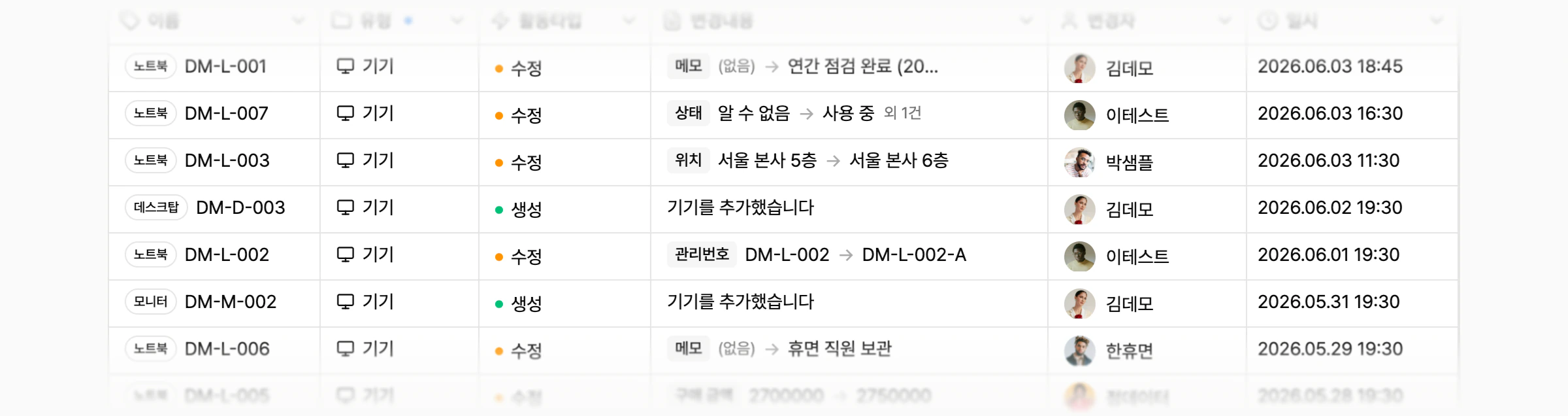
Every change records who changed what and when, so audit responses are available immediately.
Software costs and asset status stay up to date automatically. Connect accounts and cards once.
Trusted by customers

























AI IT OPS

SMPLY Agent automates the repetitive asset audits you used to do manually.
Learn more ->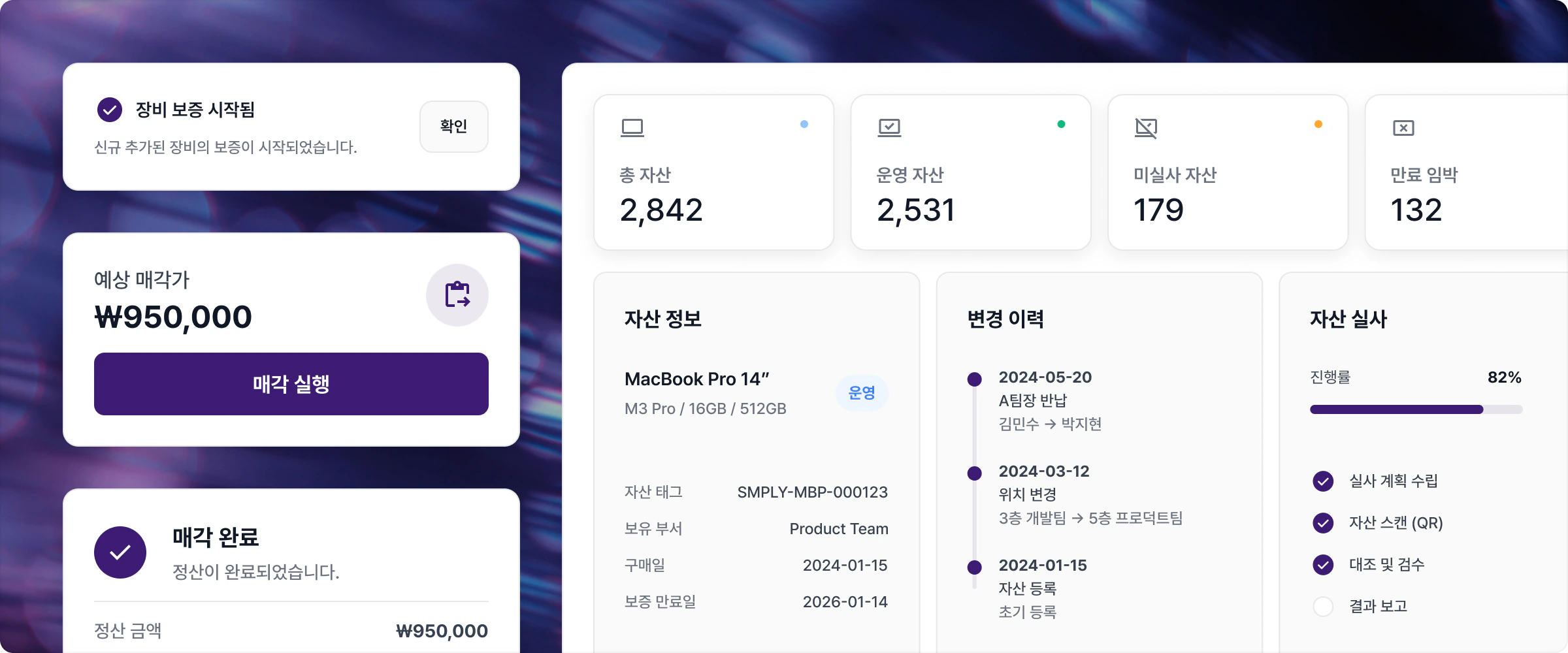
Device inventory report
Every change records who changed what and when, so audit responses are available immediately.
Quarterly asset audit
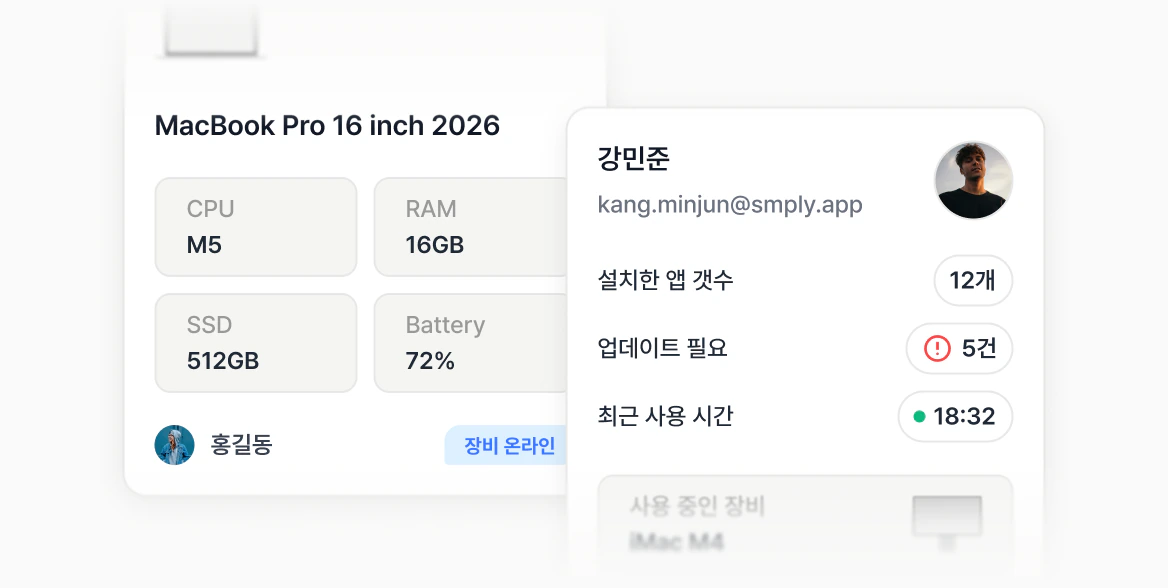
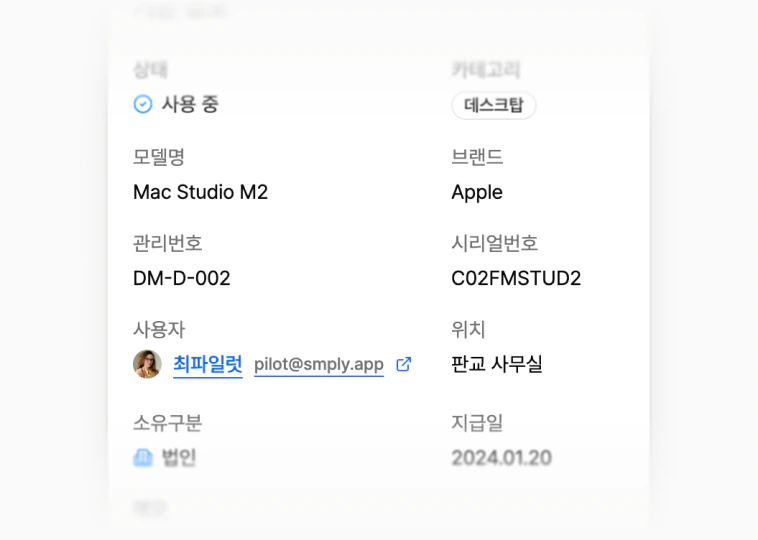
The agent automatically collects device name, model, OS, CPU, RAM, storage, battery, and serial number.
Company-wide visibility
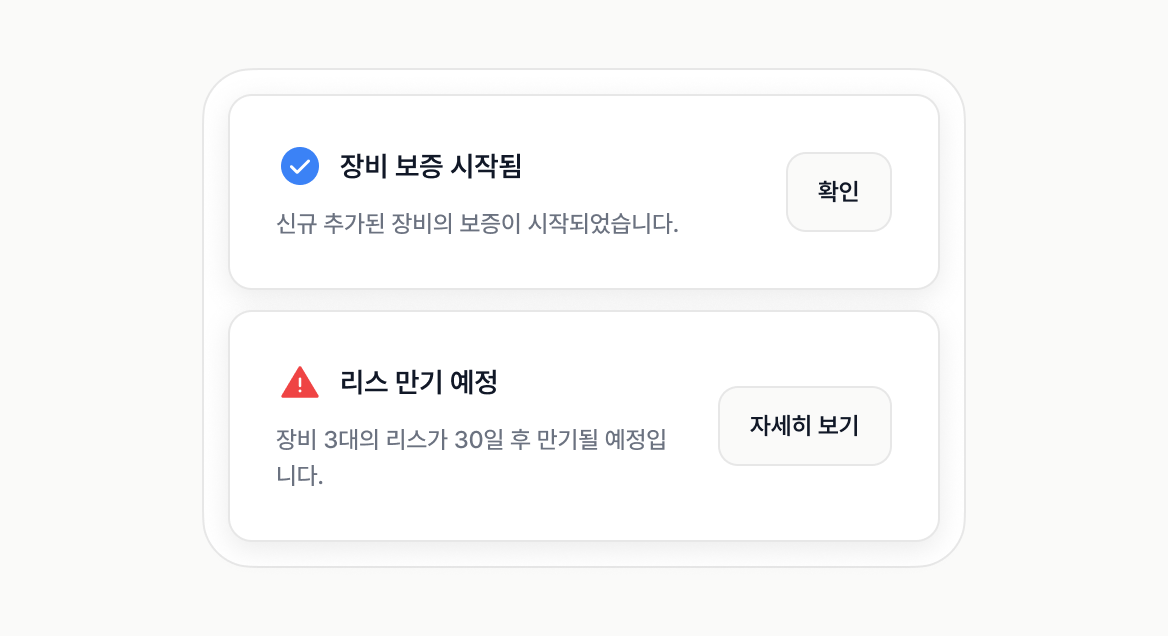
Register purchase dates, warranty periods, and lease expirations to get alerts 30, 14, and 7 days in advance.
Connect cards once to collect company-wide SaaS payments and detect unused accounts.
Learn more ->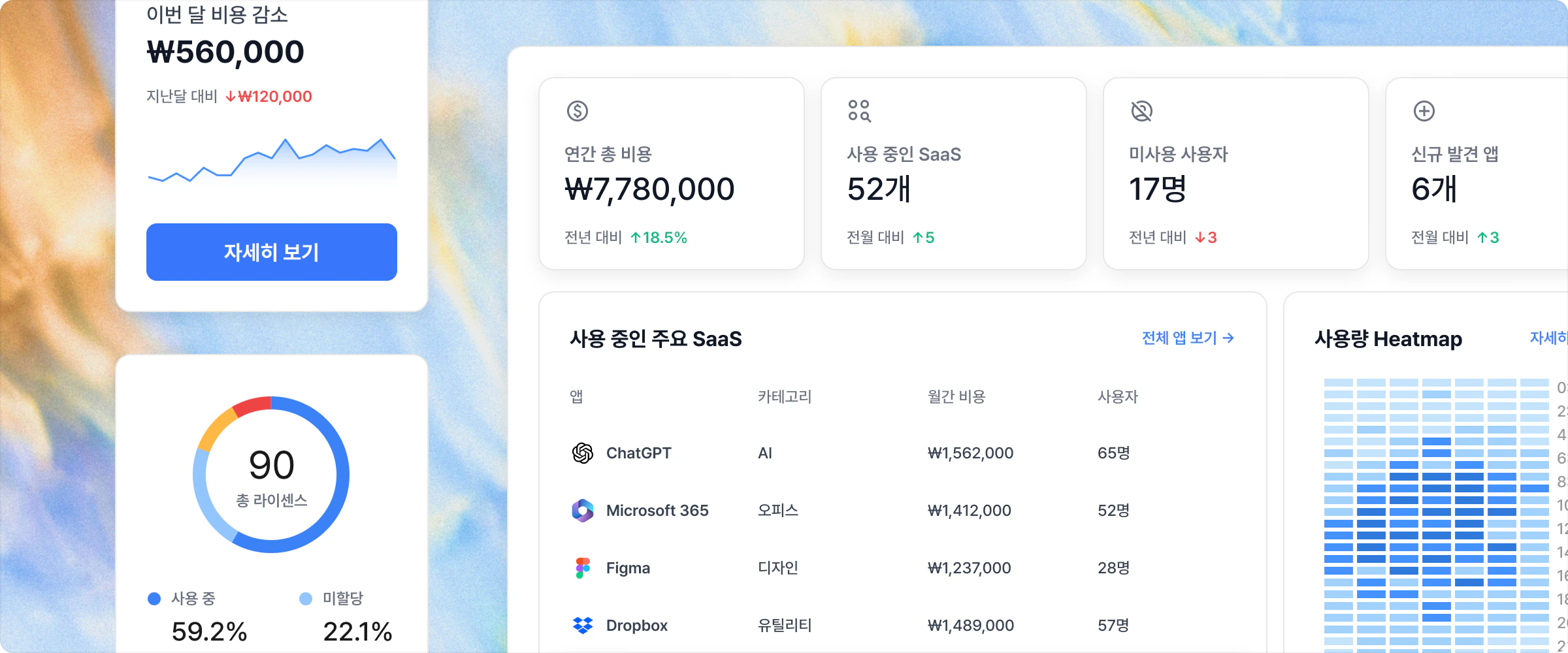
Cost analysis report
Visualize SaaS spending by month, team, and category. Duplicate subscriptions are identified automatically.
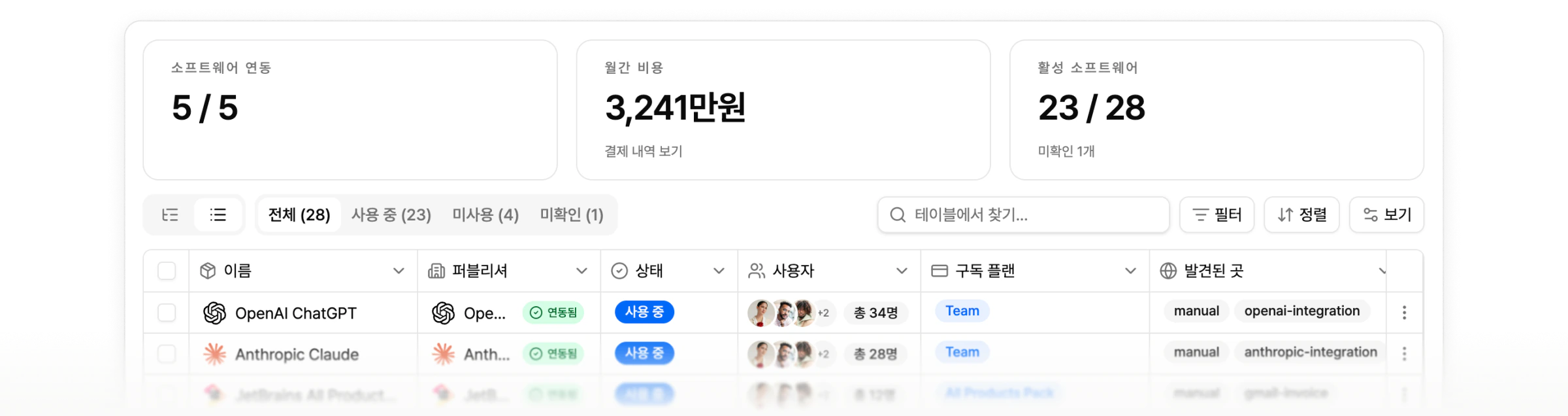
Automatic payment collection
Directly connects Hyundai, Samsung, KB, Shinhan, Woori, Hana, Lotte, BC cards, and five banks. Payments are imported and matched to SaaS automatically.
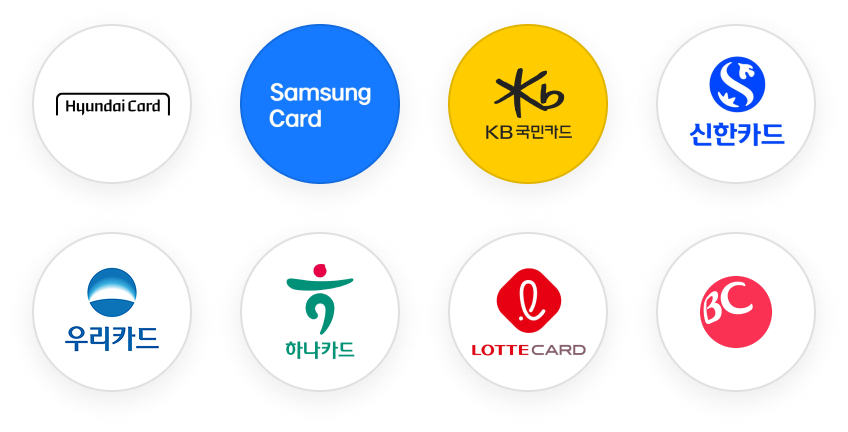
Automatic unused-license detection
Automatically detects accounts unused for 30+ days. Agent URL tracking, payment history, and browser sessions are cross-checked for higher accuracy.
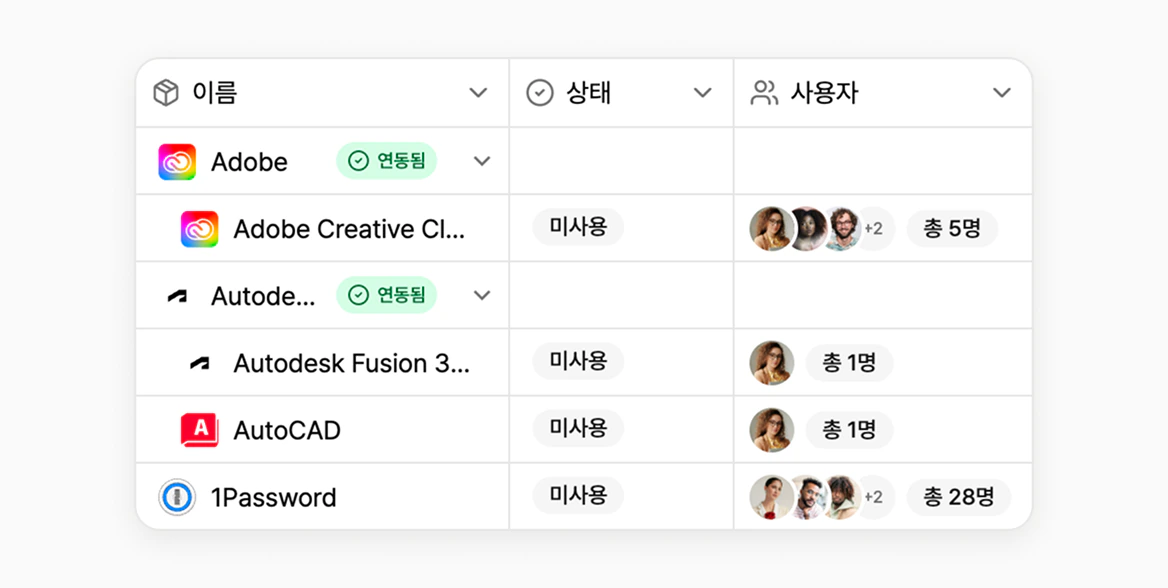
SMPLY Agent automatically collects app usage across every employee device.
Learn more ->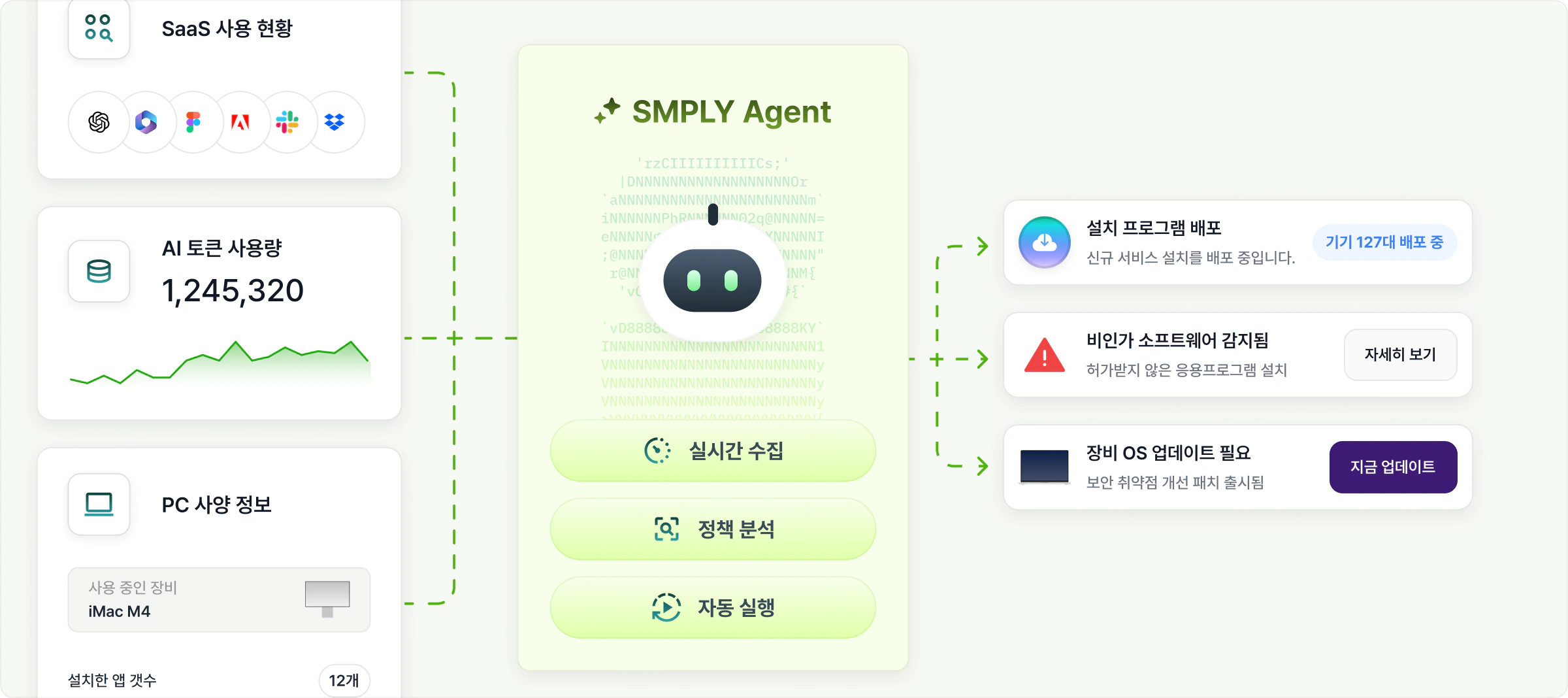
No manual audits
Collects CPU, RAM, storage, model name, serial number, battery status, and display information every hour.
Real-time usage monitoring
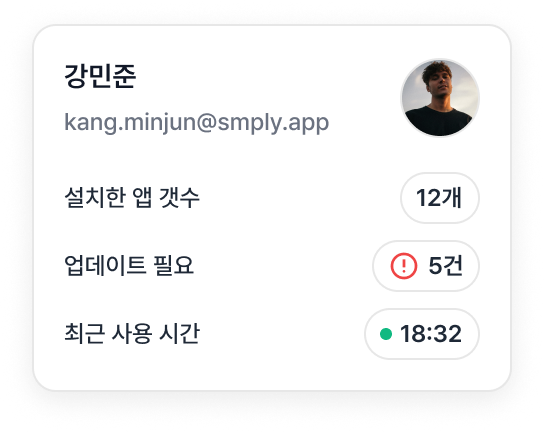
Tracks installed apps, versions, and browser extensions. App-level usage time can also be tracked optionally.
Flexible deployment
The agent checks for updates every four hours and installs new versions in the background.
Connect immediately without extra setup.
One-click integration with Google Workspace, Microsoft 365, and Slack
Developer APIs that connect internal systems with SMPLY
Automatically collects software usage from macOS and Windows devices
Manage SaaS, devices, and software in one screen
Automatic monthly and team-level IT spending reports
ISO 27001 certification and 256-bit AES encryption by default
AI IT OPS
Instead of abstract dashboards, SMPLY creates actionable candidate lists for operators.
Connect Google/Microsoft and corporate cards to gather SaaS, accounts, and costs in one view.
Automatically filters unused licenses, former-employee accounts, and duplicate subscription candidates.
Hands off recovery and cleanup candidates in a list owners can act on immediately.
Based on current SaaS and AI spend, SMPLY finds unused licenses, duplicate subscriptions, missed offboarding accounts, and AI usage growth drivers.
For a company spending KRW 100M annually, savings can reach KRW 15M-20M.
Automatically detects SaaS accounts with no usage for 30+ days and groups them as recovery candidates.
Identifies duplicate subscriptions across departments and extracts candidates for consolidation.
Finds SaaS accounts that remain active after departure and adds them to the recovery review list.
Reviews AI token usage and cost growth by team to identify cleanup candidates.
See how repetitive work like asset audits, SaaS discovery, and duplicate entry actually shrank.
A single admin systematically manages thousands of assets with QR audits, building a culture where employees recognize assets themselves.
Hyukki Moon
Assistant Manager, HR & General Affairs, Creatz
Pricing based on member count. No hidden fees.
Contact us
A core plan for organizing SaaS costs and IT assets in one place. Connect accounts and cards to see costs and assets immediately.
Contact us
Everything in Business, plus actual software usage and operational support.
Answers to common questions about rollout timing, permission scope, pricing, and contracts.
Only data needed for IT asset management is synced, such as members, account status, and SaaS usage. Email bodies and personal file contents are not accessed.
Yes. SMPLY shows AI token usage and related costs, including team-level usage, cost growth trends, and cleanup candidates.
Google Workspace or Microsoft 365 integration usually takes about 10 minutes. If SMPLY Agent is also deployed, it takes about 1-3 days depending on your internal rollout method, and most teams use core features within a week.
SaaS cost and account management can start with account and payment integrations alone. Use SMPLY Agent when you need device-level software usage.
SMPLY Agent is designed to minimize conflicts with existing security tools, and pre-checks are available when needed. Deployment can follow a review of each company's security environment.
Yes. Based on member accounts and SaaS usage, SMPLY identifies missed offboarding, unused licenses, and duplicate subscription candidates. Recovery and cleanup targets appear in dashboards and reports.
No. You will not be charged automatically after the free trial. We will contact you before paid use begins.
Corporate card or payment history integrations help identify and classify SaaS-like spend. Items that need review appear in reports and can be adjusted to your operating rules.
Free for 14 days with no card required. Already used by 400+ teams.
 SaaS Management
 AI Agent

 Seamless Integration