
Device Management
 Device Management
Every IT device lifecycle
in one view
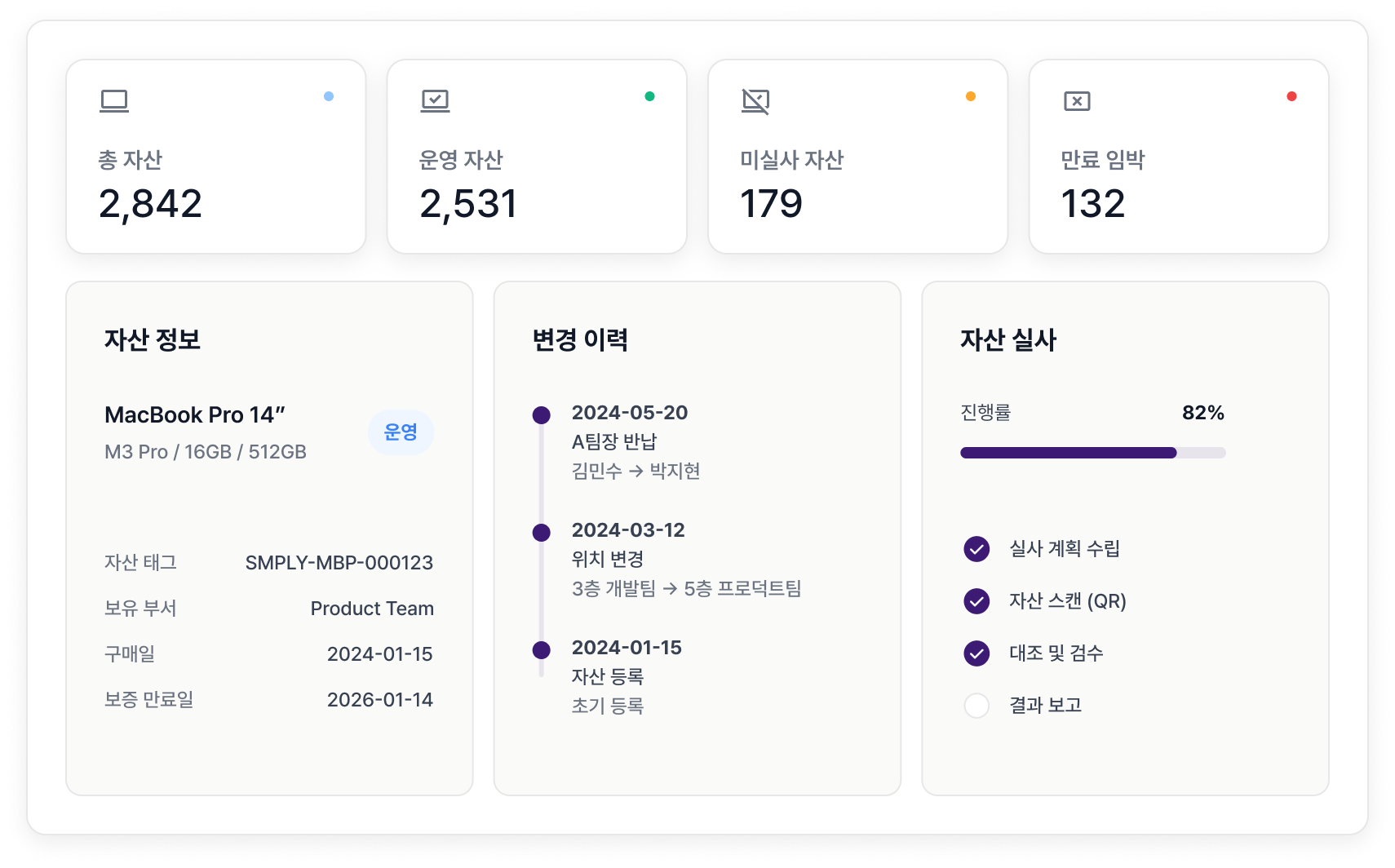
Install the agent once to collect CPU, RAM, OS, and software automatically. Handle Excel uploads, QR audits, and depreciation in one platform.





Features
Core features
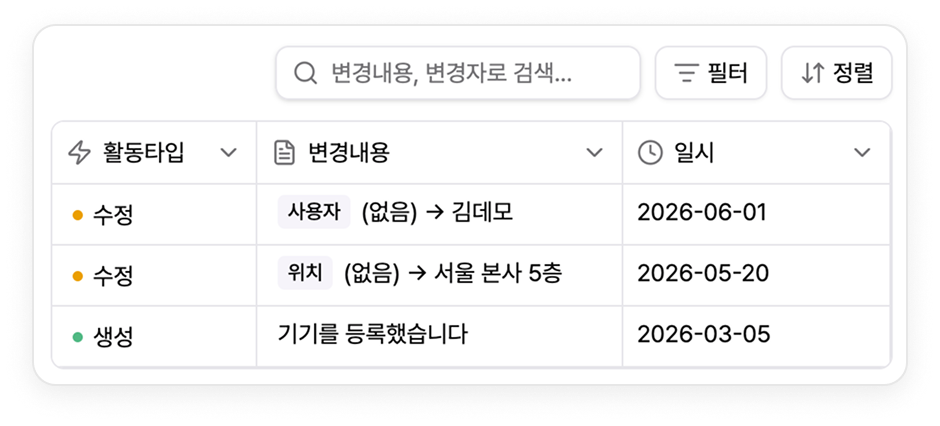
Change history tracking
Every change records who changed what and when, so audit responses are available immediately.
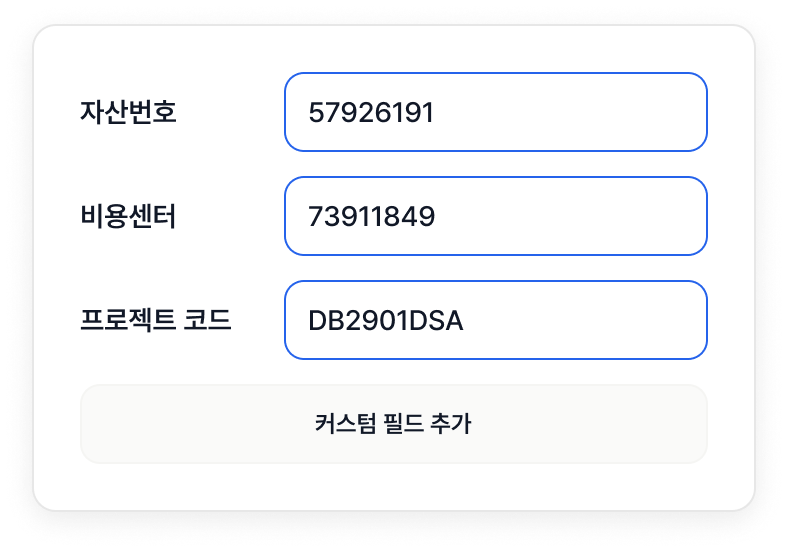
Custom fields
Supports any tracking scheme with custom fields, including asset numbers, cost centers, and project codes.
QR-based asset audits
Attach and scan QR codes on devices to match physical assets with system data automatically.

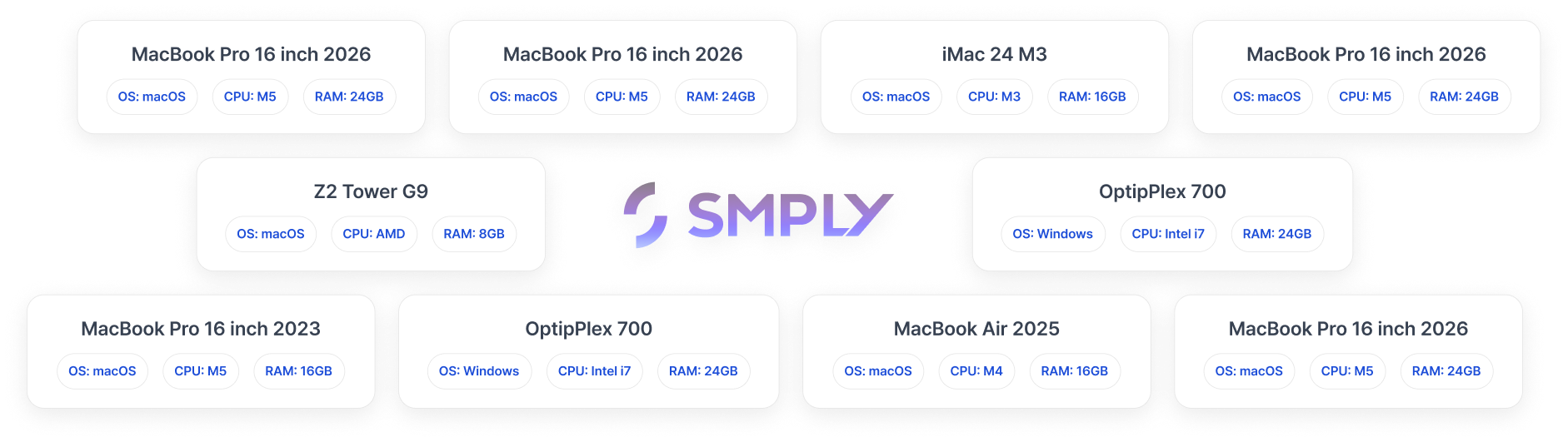
Automatic device spec collection
The agent automatically collects device name, model, OS, CPU, RAM, storage, battery, and serial number.
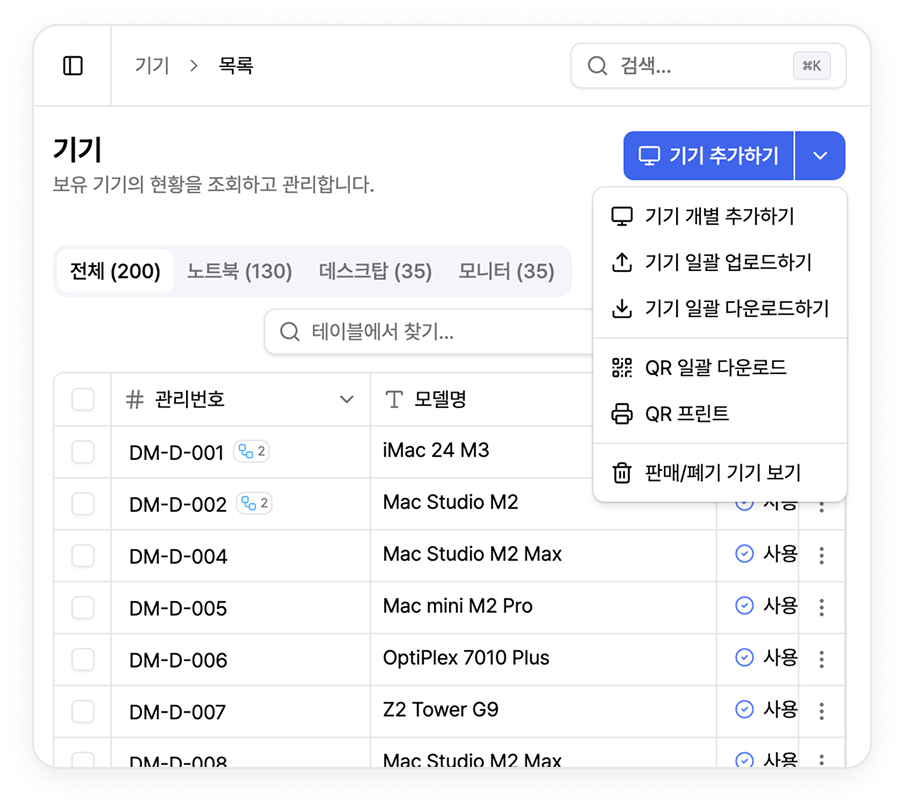
Bulk Excel upload
Migrate existing Excel-managed assets in four steps: template download, upload, preview, and confirm.
Warranty and lease management
Register purchase dates, warranty periods, and lease expirations to get alerts 30, 14, and 7 days in advance.

Before & After
Problems this solves
Before

- · You own 200 devices but can only account for 50.
- · No one knows which laptop each departing employee has.
- · Finance says 50 devices, IT says 60.
- · Missed lease expirations create penalties.
After

- ✓ The agent discovers connected devices automatically, while Excel bulk upload covers the rest.
- ✓ Track in real time with user change history and device-user mapping.
- ✓ Agent-based single source of truth plus audit history.
- ✓ Automatic alerts 30 days before lease/warranty expiration plus replacement planning.
How it works
How it works


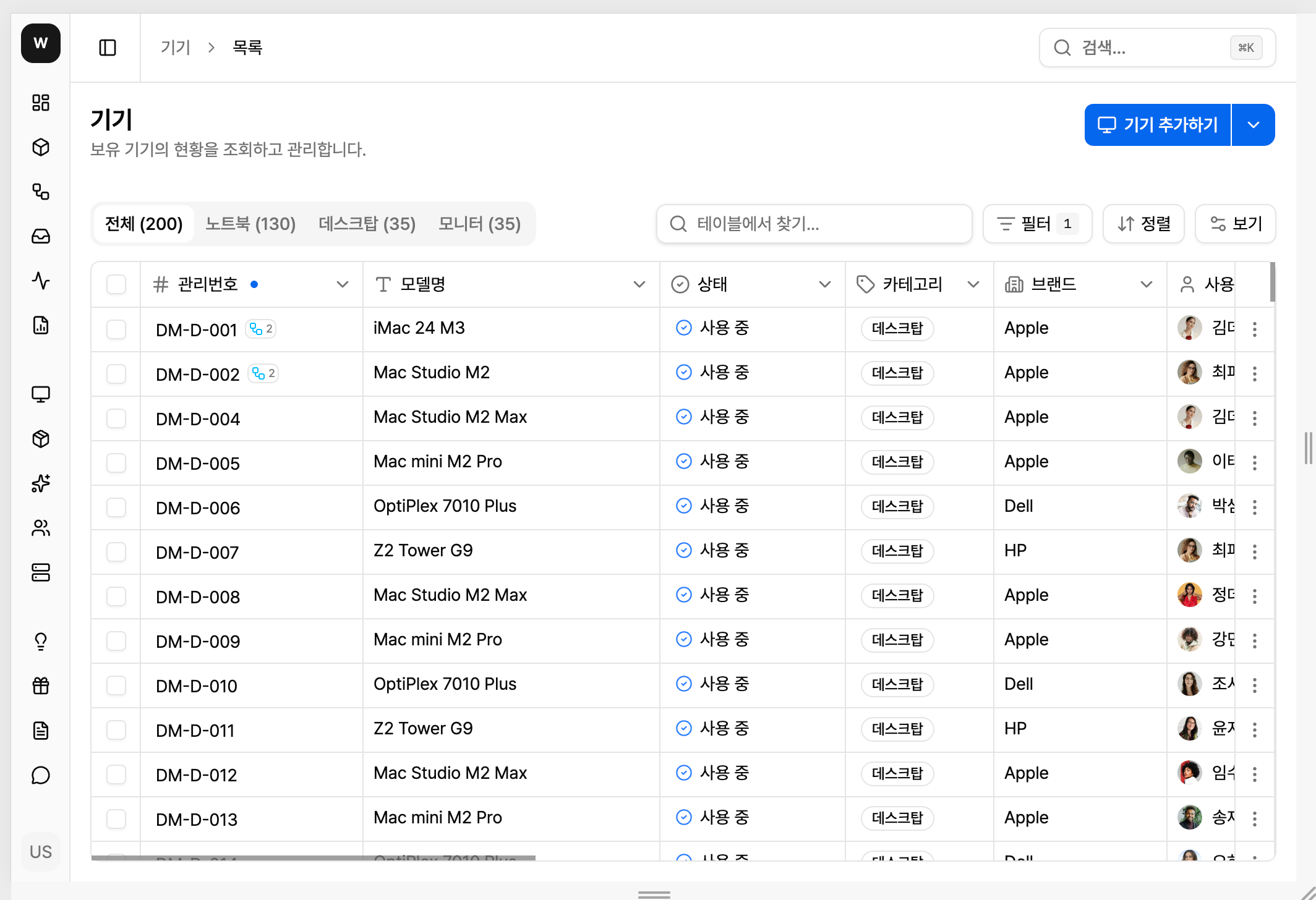


Move beyond Excel asset management
Install the agent once to see company-wide IT devices. Try it free for 14 days.